Skip to main content

Put the manifest xml file in C:\Manifest

Right click on the folder “Manifest”, click “Properties”

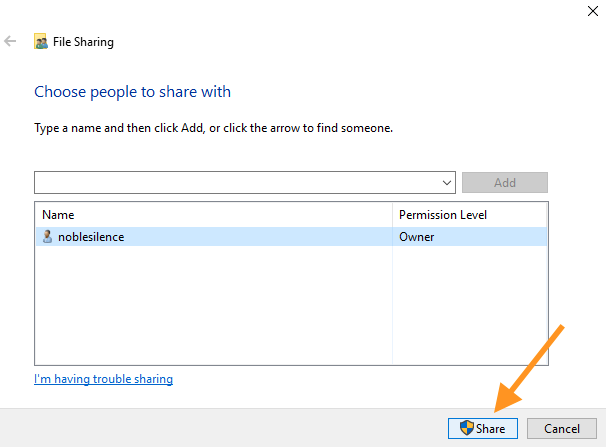
In Properties window, click “Sharing” tab, click “Share” button.

Click “Share”

Click “Done”

Copy path.

Click “Close”

File -> Options

Trust Center

Paste the path in Trusted Catalog

Add catalog

Select “Show in Menu” and Click “OK”.

Click OK.

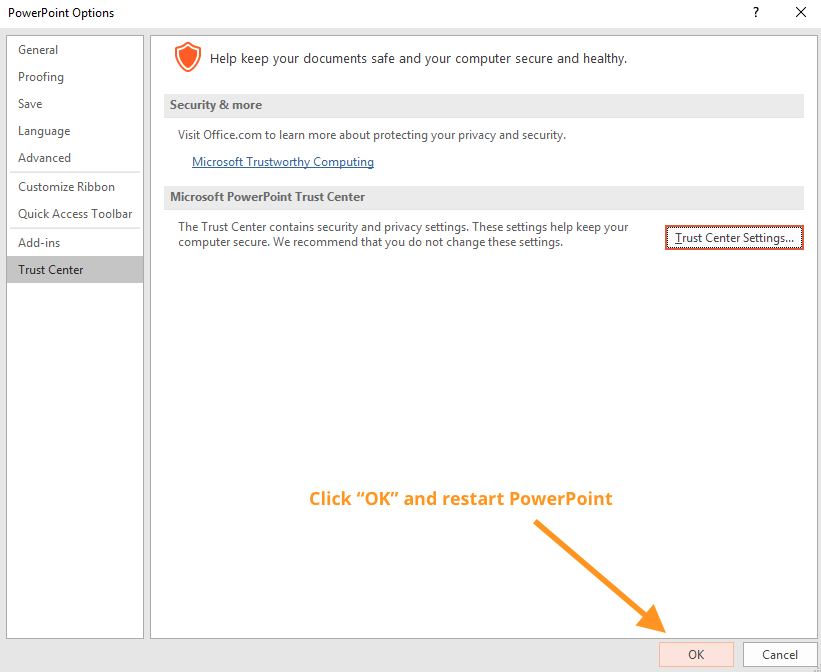
Click “OK” and restart PowerPoint.

Insert -> My Add-ins -> See All

SHARED FOLDER -> LTCTimerWinFREE -> OK

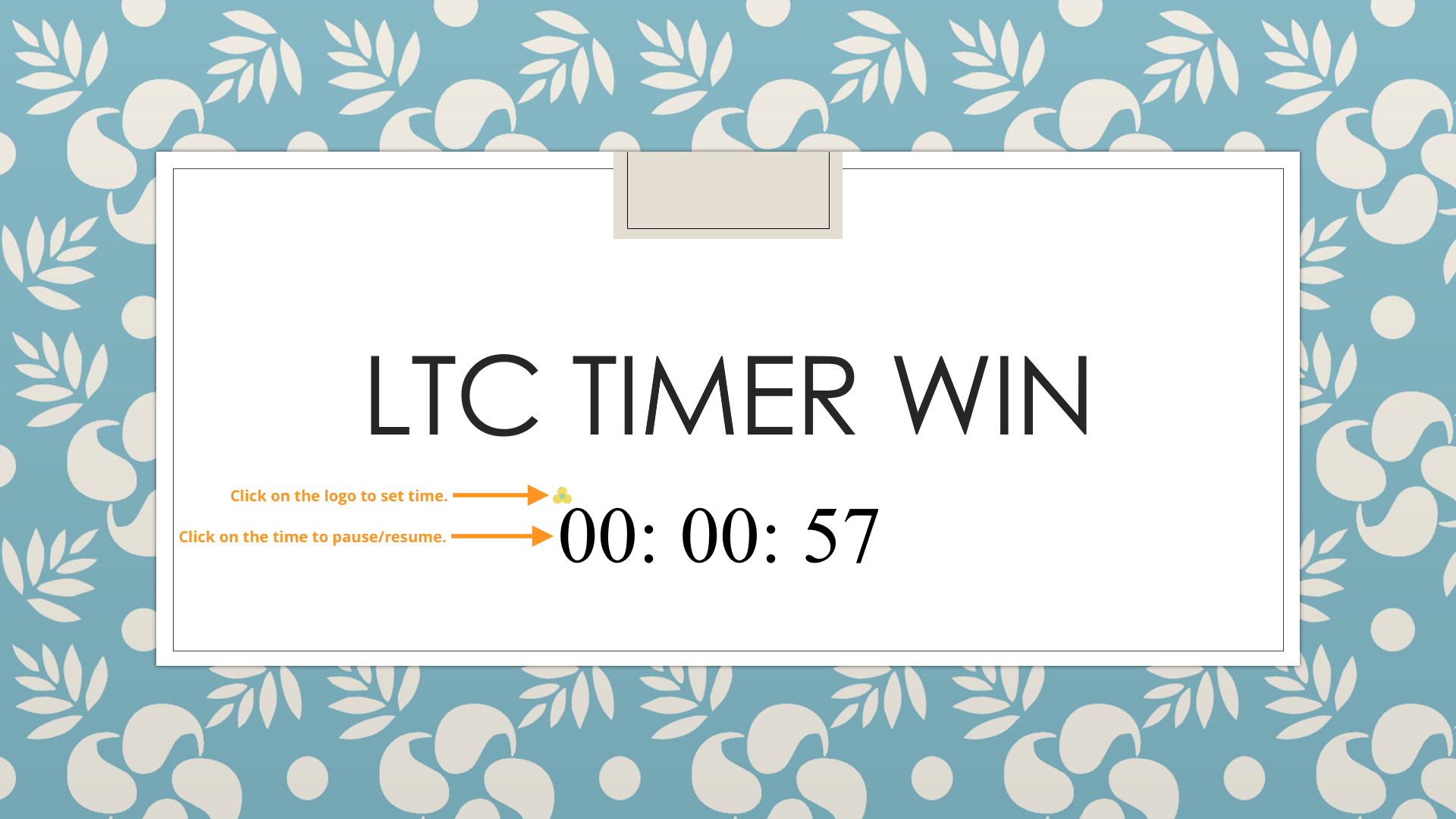
Resize to your desired size. Set time and click Save.

Timer set

Run slideshow, click Play button.
Search Knowledge Base by Keyword
LTC Timer Add-In User Guide
The following User Guide is for LTC Timer Add-In, which is an embed Timer for PowerPoint.
Pre-requisites
- Compatible with PowerPoint 2013 or later on Windows.
- Requires Internet connection
Preparation (first time only)
Step 1: Share a folder and put the manifest file.




Step 2: Specify the shared folder as a trusted catalog in PowerPoint.


Insert Timer